Short answer
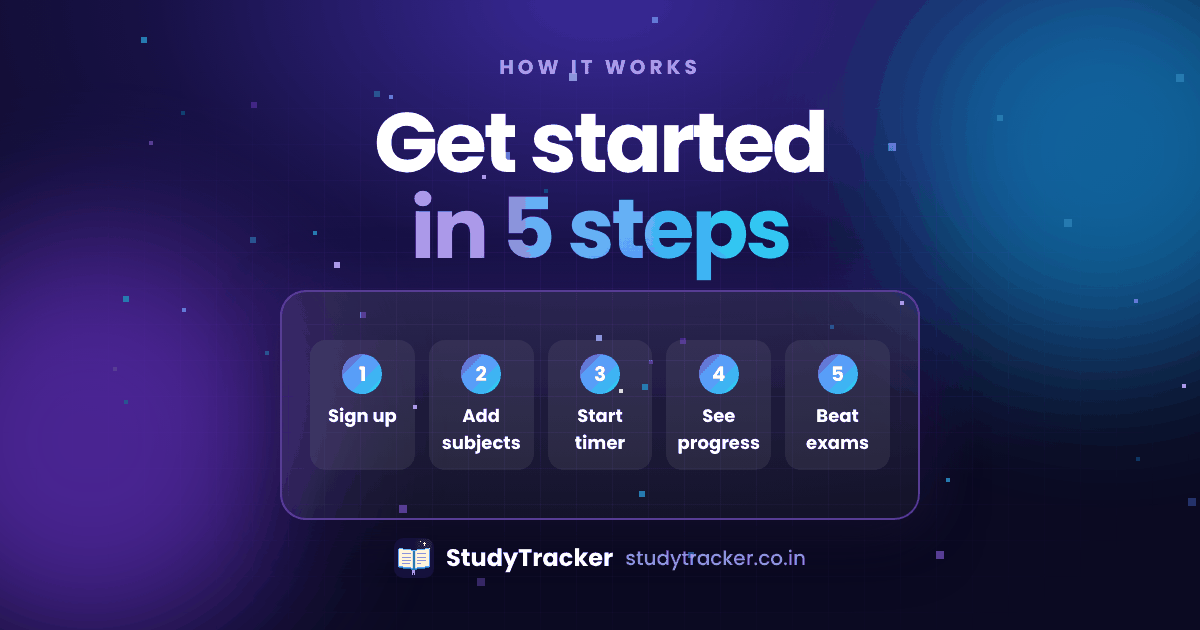
Make a free account, add your subjects and goals, start a timed session, plan your revision and check your weekly charts. Setting up takes about two minutes.
Step 1: Create a free account
Sign up as a student or a teacher. You don't need a card.
Step 2: Set up your profile
Add your subjects, your standard and your study goals.
Step 3: Start a study session
Pick a subject, then start the timer or a Pomodoro block.
Step 4: Plan and revise
Use the planner, exam countdown and flashcards to stay on track.
Step 5: Check your charts
Look at your weekly charts and streaks, then adjust your plan.
Tips for your first week
- Track every session for seven days before you judge the numbers.
- Start with one or two subjects.
- On Sunday, look at your charts and set next week's goal.
Frequently asked questions
How long does setup take?
Under two minutes for a basic profile.
Do I need to install anything?
No. StudyTracker runs in your browser. If you like, you can add it to your home screen so it opens like an app.