Short answer
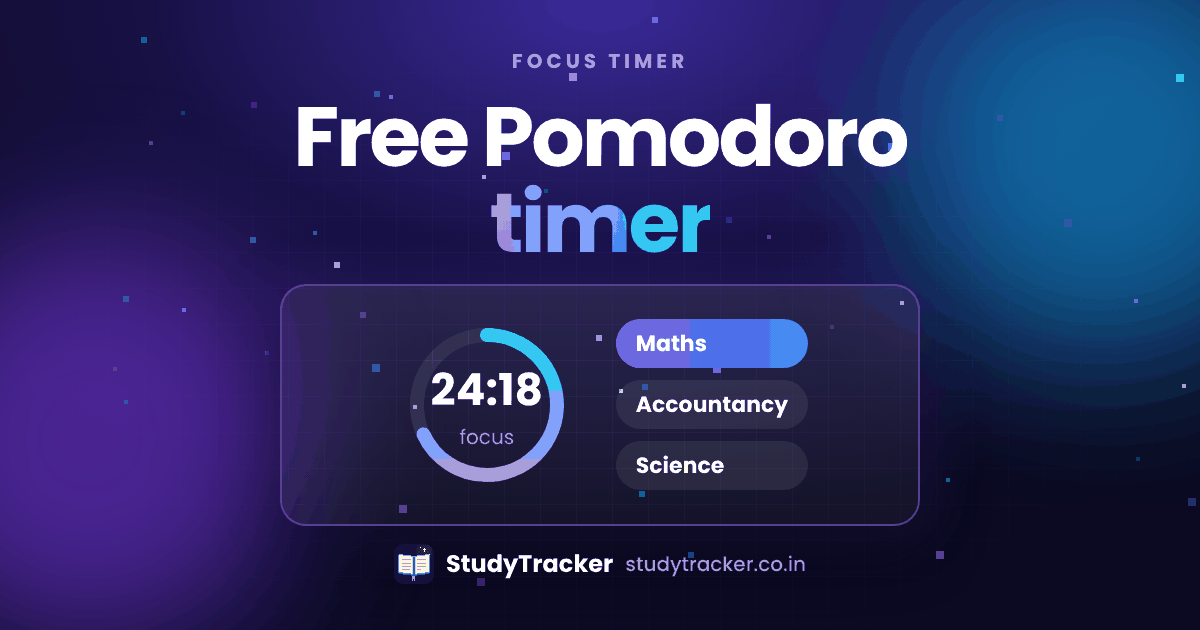
A Pomodoro timer splits your study into short blocks, usually 25 minutes of work and 5 minutes of rest. The StudyTracker focus timer runs Pomodoro blocks for free and saves each one by subject, so you see your real study time.
How to run a Pomodoro session
- Pick one task, like "10 partnership questions in Accountancy".
- Start a 25 minute block and put your phone out of reach.
- Take a 5 minute break. Stand up, drink water, skip the scrolling.
- After four blocks, take a longer break of 15 to 30 minutes.
Why it works
Starting is the hardest part of studying. A small block with a clear end makes it easier to begin, and the break keeps your mind fresh. It also gives you clean numbers. Eight blocks means about four hours of real focus, not a vague "I studied all evening". Read the full Pomodoro guide for students.
Other timers
StudyTracker also has a timer for each subject and a plain stopwatch session, so you can use whatever suits the topic. Pair it with the planner to decide what each block is for.
Frequently asked questions
What is the Pomodoro Technique?
You work in short focused blocks, usually 25 minutes, with a 5 minute break after each one. After a few blocks you take a longer break.
Is the StudyTracker focus timer free?
Yes. The focus timer, including Pomodoro mode, is free for everyone.
Is 25 minutes right for everyone?
No. 25 and 5 is a good place to start. Some students like 40 and 10, or 50 and 10, for harder subjects. Try a few and keep the one you can stick with.
Does the timer save my sessions?
Yes. Finished sessions are saved with their subject and length, and they show up in your charts.