Short answer
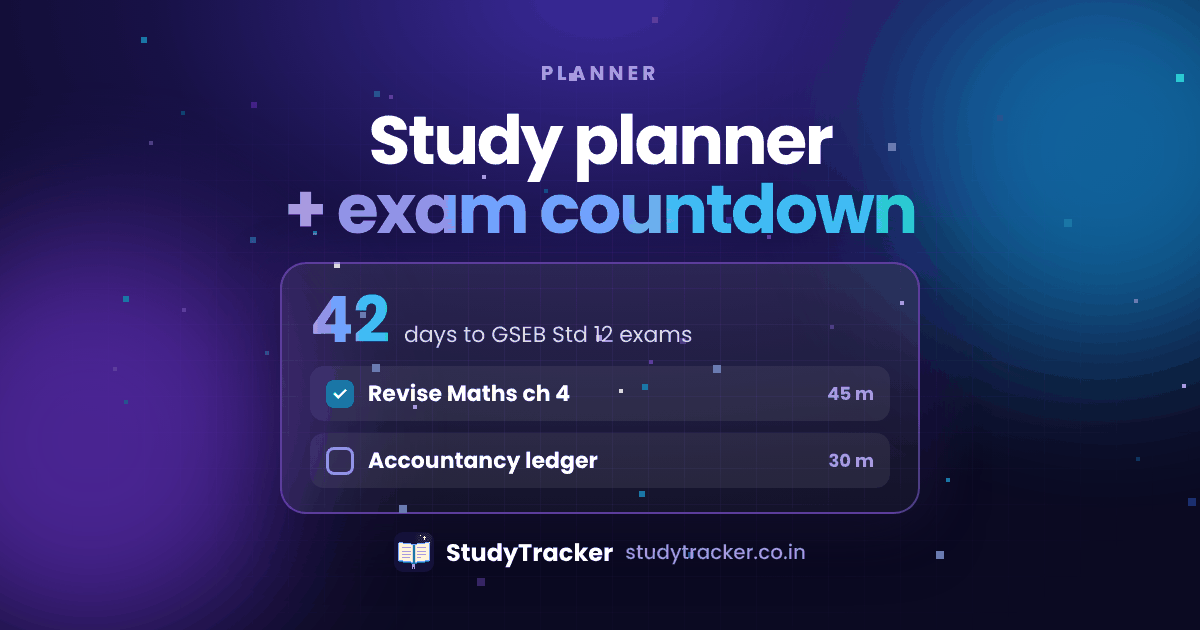
The StudyTracker study planner lets you schedule subjects, set goals and watch an exam countdown, so every study session has a reason. It's free and works on any device.
A simple way to plan
- List your subjects and chapters with the exam date next to each.
- Mark each chapter weak, medium or strong.
- Give the weak chapters with the most marks the most time. Still touch every subject each week.
- Schedule your revision on a spaced schedule.
- Check in every Sunday and change the plan using your charts.
There's a longer walkthrough in How to Make a Study Timetable.
Goals that work
Pick goals you control, like "4 Pomodoro blocks of Physics today". Don't pick results you can't control, like "score 90%". Small goals plus real tracking build momentum.
Frequently asked questions
What is a study planner?
It's a schedule that says what to study and when, split by subject, chapter and day, leading up to an exam.
Does StudyTracker have an exam countdown?
Yes. Add your exam dates and see how many days are left. It helps you decide what to revise first.
How far ahead should I plan?
Plan this week in detail and the next month in rough outline. Look it over every Sunday and change what isn't working.