Short answer
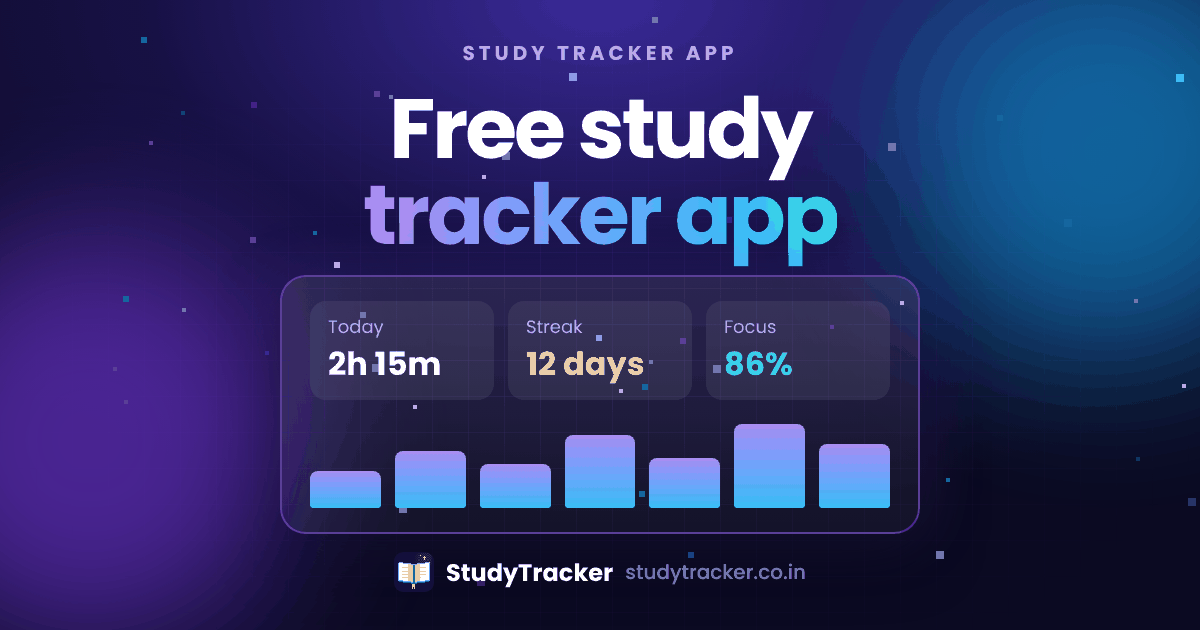
A study tracker app records how long you study, on which subject, and how that changes over time. StudyTracker does this for free. It also adds goals, flashcards, a planner, exam countdowns and an AI helper. Ishwar Gariya built it in Rajkot, Gujarat.
What does a study tracker do?
Most students think they study more than they do. A study tracker swaps the guess for real numbers. You start a timer when you sit down and stop it when you're done. The app saves the subject, the time and your notes. After a few weeks the charts show which subjects you skip, which days you do best, and whether your effort matches your exam dates. Our guide on tracking study hours explains why this changes how you study.
What you get
Who is it for?
- Students in school, college or self-study who want real numbers on their study time.
- Teachers who want to see how their class is doing and manage assignments.
- GSEB Std 10 to 12 students getting ready for board exams.
Why pick StudyTracker?
It's free from top to bottom. It's built around the Gujarat Board. It works in English and Gujarati. And teachers get their own tools. For a fair side-by-side, see the compare page.
Frequently asked questions
What's the best free study tracker app for students?
The best one is the one you'll open every day. StudyTracker is a free pick that puts a session timer, charts, goals, flashcards, a planner and an AI helper in one app. It has no ads and no paid plan.
Is StudyTracker really free?
Yes. Every feature is free for everyone. There's no premium plan, no trial and no card needed.
Does StudyTracker work on a phone?
Yes. It runs in any modern browser on Android, iPhone or computer. You can also add it to your home screen like an app.
Can I use it if I'm not studying GSEB?
Yes. The timer, charts, goals, flashcards, habits and planner work for any board, college course or self-study. The GSEB tuning is a bonus for Gujarat Board students.